Label templates
Label Templates
Download the free template and label content for each product, then have your designer create your label. Not sure which template fits your bottle? Ask us and we'll match it for you.
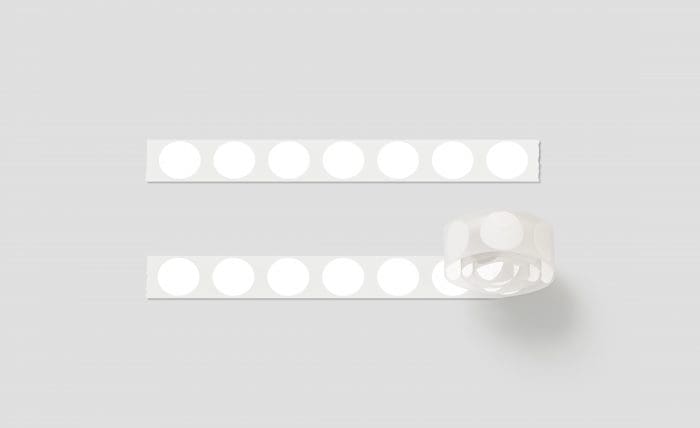
How it works
Three steps to your label
-
01
Download the templates
Download the template and label content for each item you've bought. Not sure which template fits a bottle? Contact us and we'll help you find the right one.
-
02
Find a designer
Sjolie doesn't design labels. Choose a designer who fits your brand's style and budget, and give them the templates and the requirements on this page.
-
03
Print and apply
Order your labels from us (Standard Label Print), or use a local printer or an online service such as Uprint.com, Wizard Labels or Lightning Labels. Apply them yourself, or have us apply them in house.
Before you design
Labeling requirements
Read these guidelines carefully. Some requirements are mandated by the FDA so your labels comply with US resale standards.
FDA mandates
The FDA requires this information on your labels:
- Ingredient lists: present ingredients exactly as listed by Sjolie, Inc. The order must not change, and nothing may be added or removed.
- Shelf life: show it with the PAO (period after opening) symbol.
- Fill quantity: clearly state the size of the contents (e.g. 1 fl oz / 30 ml).
- Directions: use Sjolie's directions or rephrase them for your product. See the downloads below.
- Distribution information: your company or personal name, city, state and zip code, and contact details such as phone, email and website.
Barcodes
Barcodes help with scanning and inventory, and each one is unique to your product and company, so Sjolie does not provide barcodes for white-label products. If you want barcodes on your labels, get them from a third-party source.
Acceptable formatting
We accept .AI (Adobe Illustrator) and .PSD (Photoshop) files. Platforms like Canva may not produce designs suitable for professional printing. In Photoshop, create files at 300 DPI: higher resolutions won't improve print quality, but lower ones can disappoint.
Spacing, bleed and alignment
Overlap: full-wrap labels need room to overlap. Keep readable text away from the edges and allow a 1/2 inch overlap.
Unwind direction: labels should unwind left side first; labels unwinding from the right may hide important information.
Bleed lines: allow a 1/16" clear space inside the final artwork for the bleed area, excluding the background color or pattern.
Color and font
Color format: we print digitally without metallic inks, so design and submit all files in CMYK, not RGB, to prevent color shifts.
Fonts: outline or flatten all fonts before submitting.
Descriptions and other content
Product descriptions, instructions for use and other label content can be tailored to your preferences; Sjolie doesn't prescribe a format. Instructions for use cannot be left out under FDA and labeling regulations.
Ingredient lists
Ingredient lists must always appear accurately on your labels. The order can't be changed and they can't be omitted. Sjolie may update ingredient lists without notice, so check this site regularly for updates.
Printing your artwork
When you're happy with your artwork, it's ready to print. Labels printed by Sjolie go through an approval process first: email your final, print-ready designs to pl@sjolieinc.com. If you print with a third party, check their requirements. Before you submit:
- Remove templates and rulers: send the artwork exactly as it should print, without template guides and lines.
- Proofread: we check sizing and FDA requirements but don't proofread, so check your text carefully.
- Outline fonts and embed images: no live fonts or linked images. Embed images at 300 DPI at print size.
- Name your files: e.g. "Tan Extend 8oz", so each design is easy to identify.
Downloads
Label templates and content
Each product has a print template and a label content sheet (ingredients and directions).
-
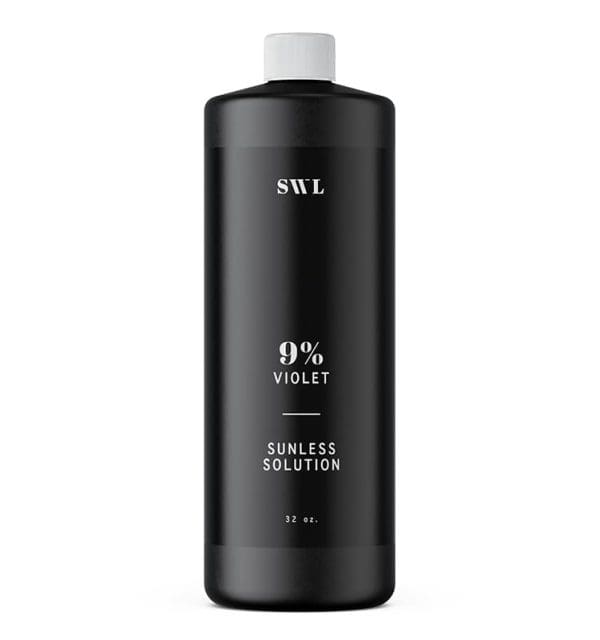
Professional Solution
Label template for Professional Solution (PDF) Label content for Professional Solution (PDF)
-
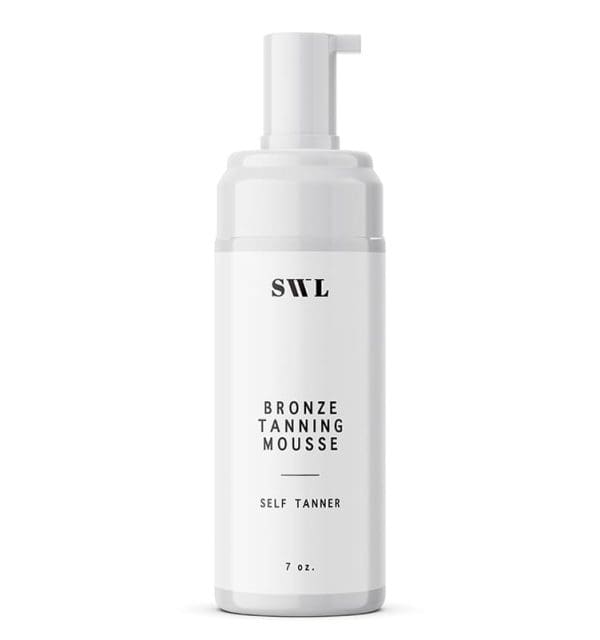
Bronzing Mousse
Label template for Bronzing Mousse (PDF) Label content for Bronzing Mousse (PDF)
-
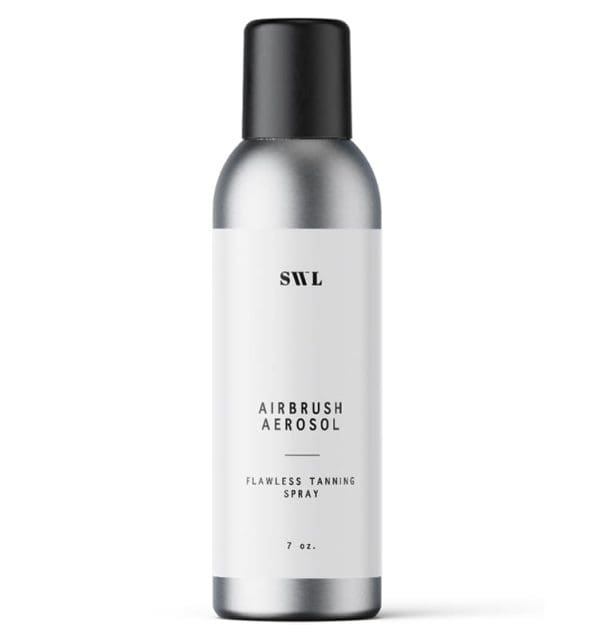
Airbrush Aerosol
Label template for Airbrush Aerosol (PDF) Label content for Airbrush Aerosol (PDF)
-
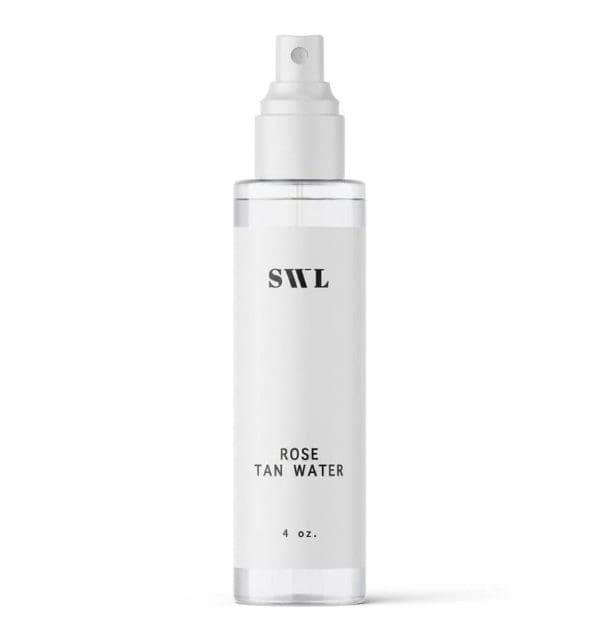
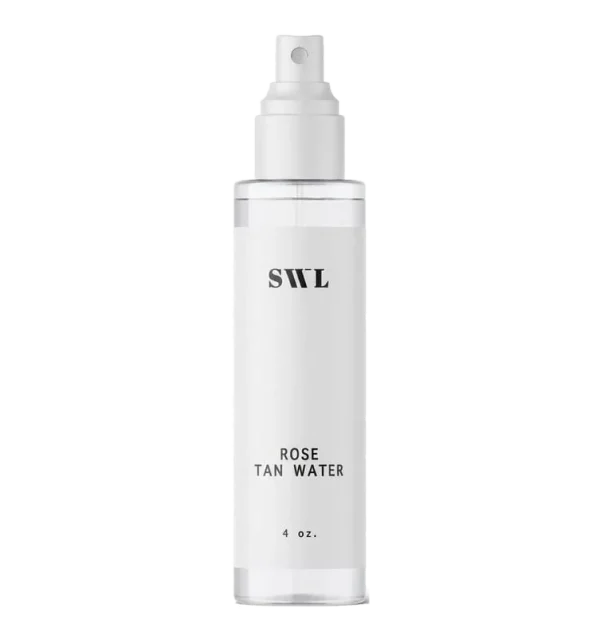
Tan Water
Label template for Tan Water (PDF) Label content for Tan Water (PDF)
-
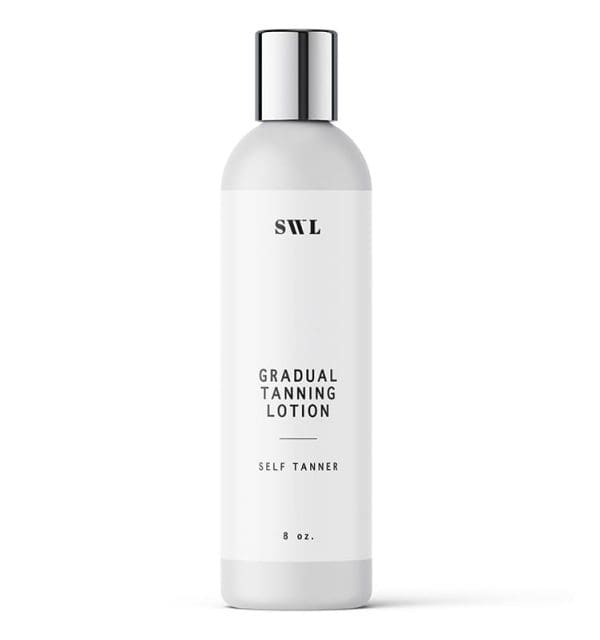
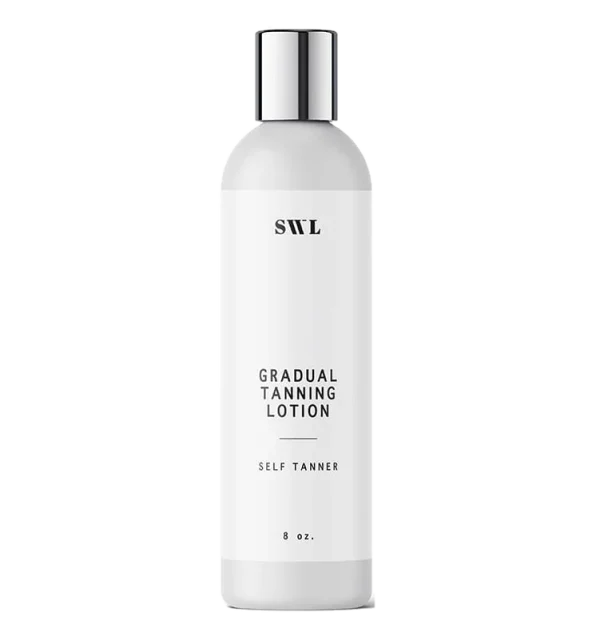
Gradual Tan Lotion
Label template for Gradual Tan Lotion (PDF) Label content for Gradual Tan Lotion (PDF)
-
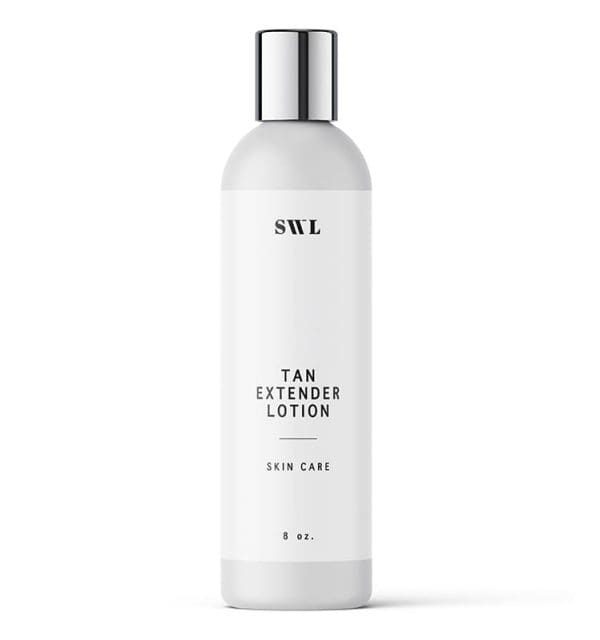
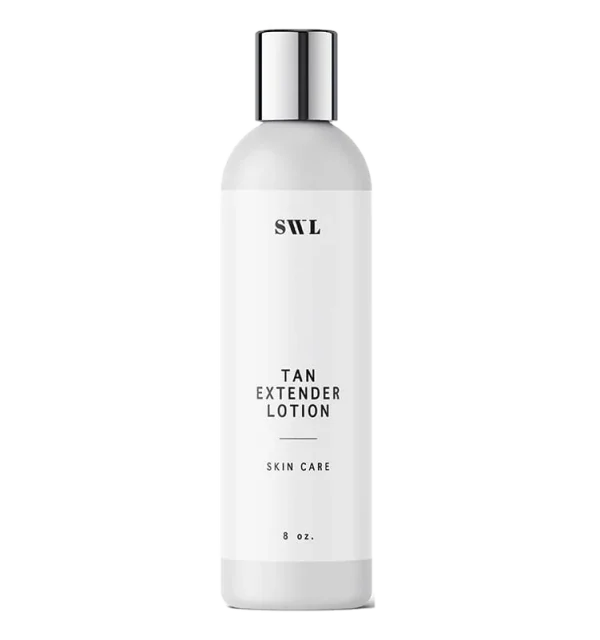
Tan Extender
Label template for Tan Extender (PDF) Label content for Tan Extender (PDF)
-
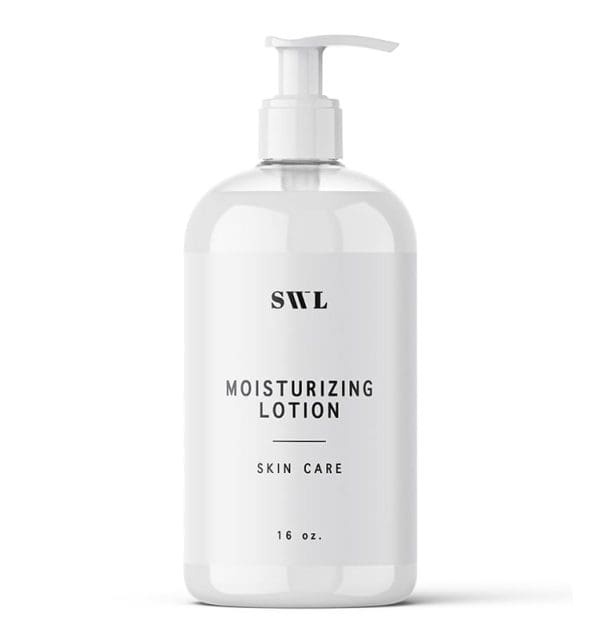
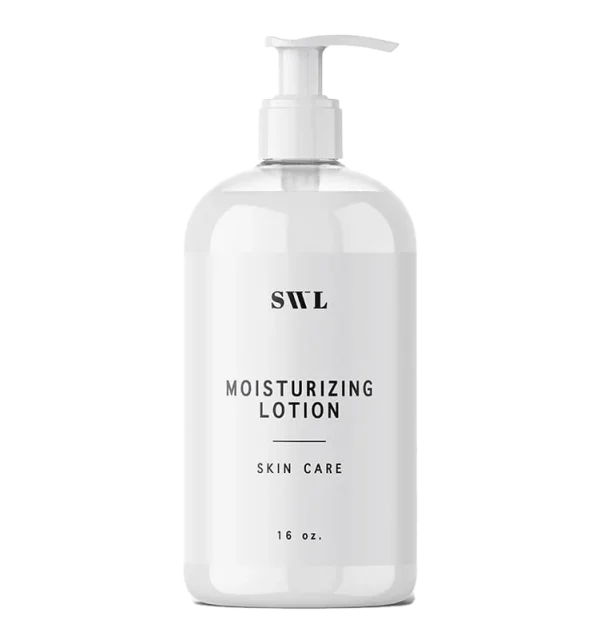
Moisturizing Lotion
Label template for Moisturizing Lotion (PDF) Label content for Moisturizing Lotion (PDF)
-
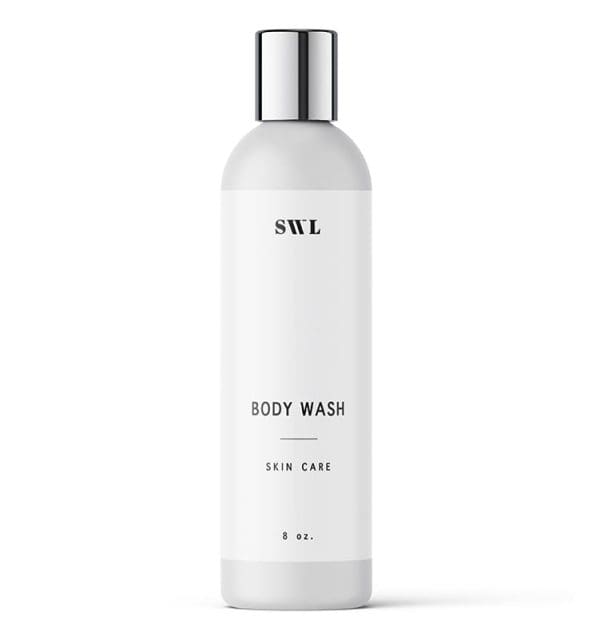
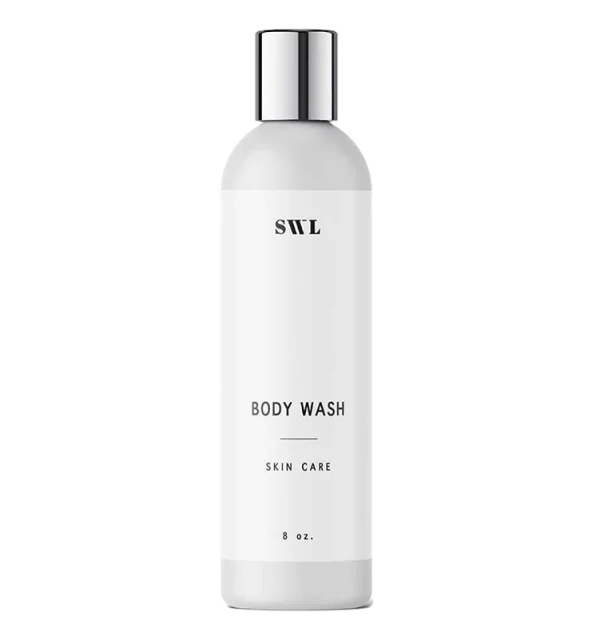
Body Wash
Label template for Body Wash (PDF) Label content for Body Wash (PDF)
-
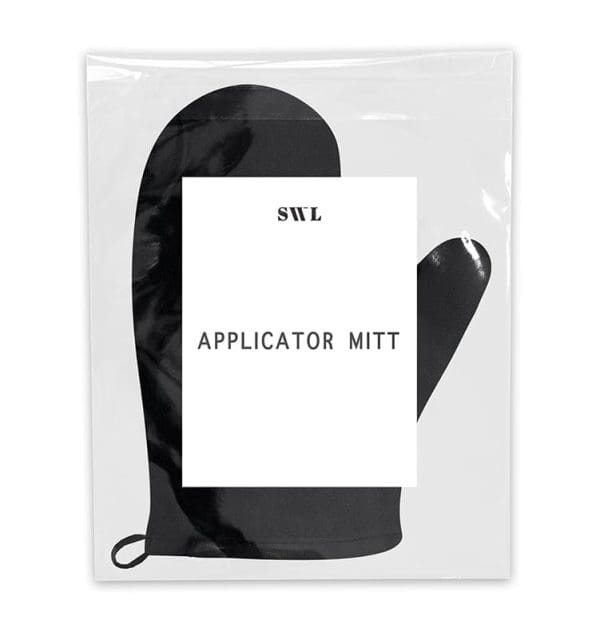
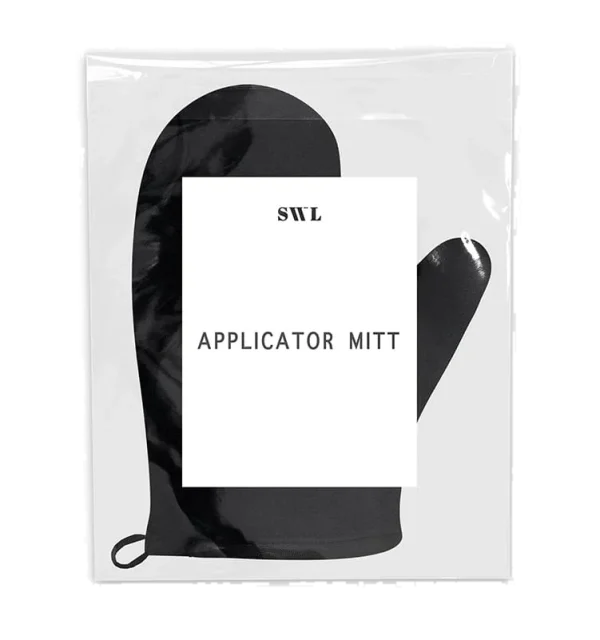
Applicator Mitt
Label template for Applicator Mitt (PDF) Label content for Applicator Mitt (PDF)
-
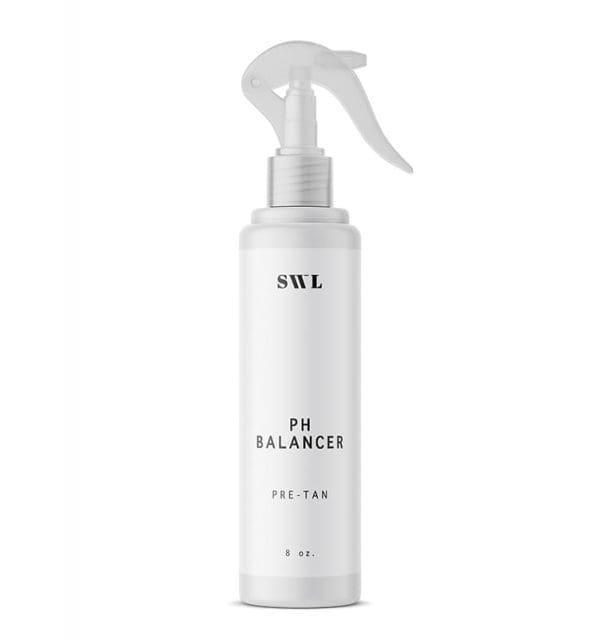
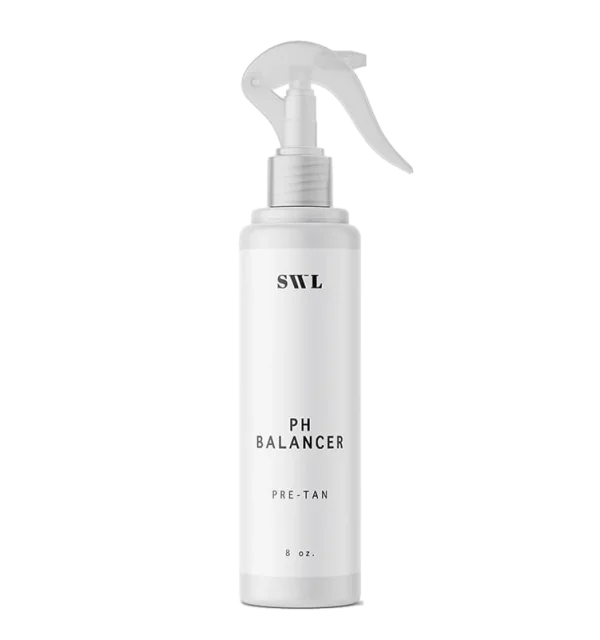
pH Balancer
Label template for pH Balancer (PDF) Label content for pH Balancer (PDF)
-
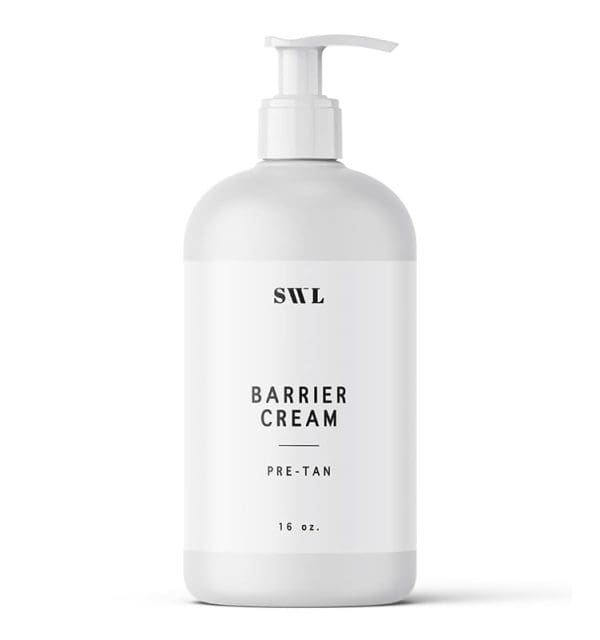
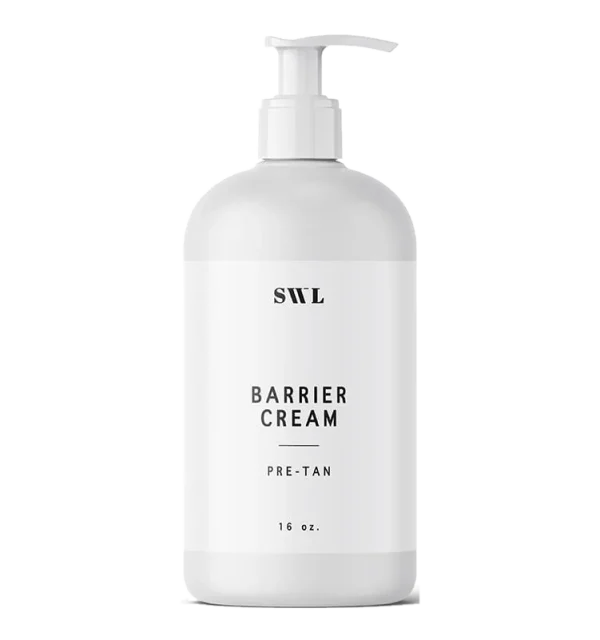
Barrier Cream
Label template for Barrier Cream (PDF) Label content for Barrier Cream (PDF)
-
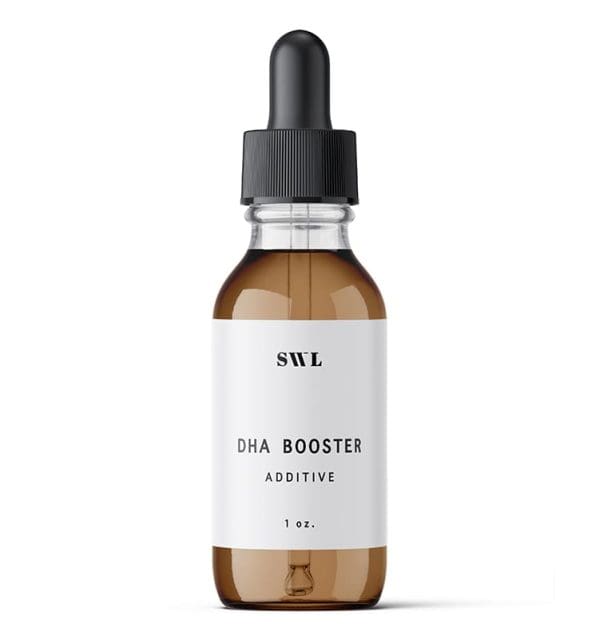
Additives
Label template for Additives (PDF) Label content for Additives (PDF)
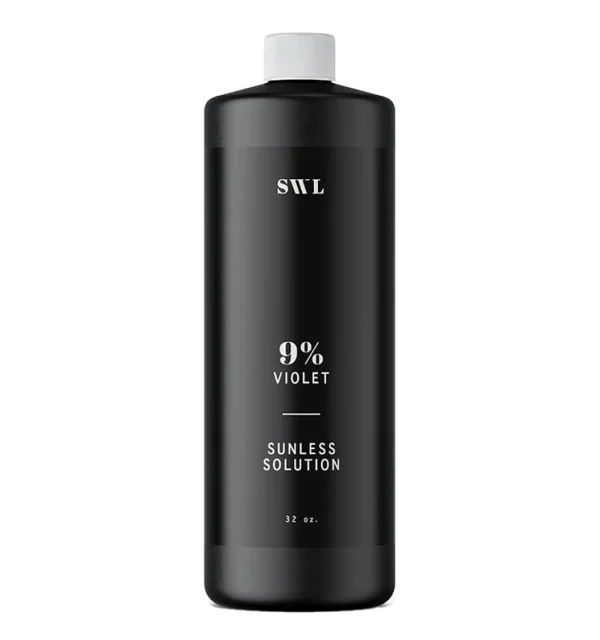
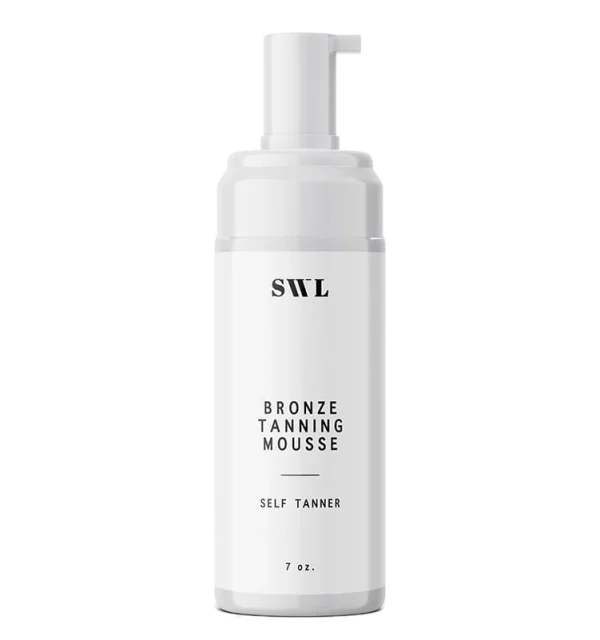
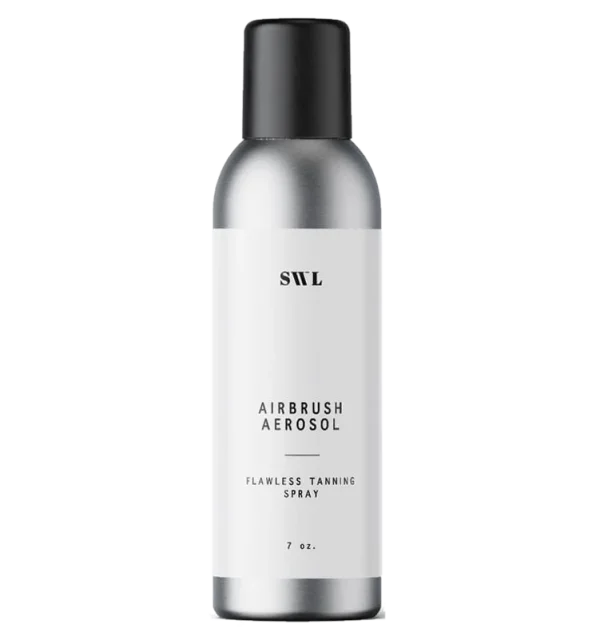
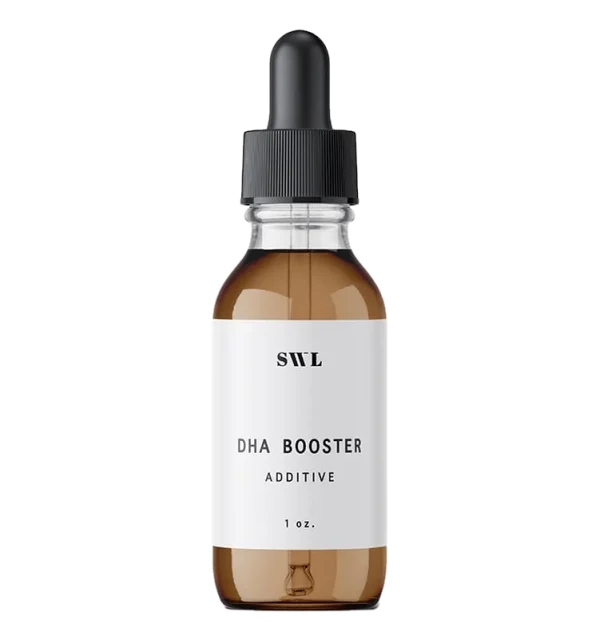
No template matches that yet. Tell us your product and we'll point you to the right one.
Artwork ready?
We'll print it, and can apply it too.
Send your designer's print-ready files and we'll print your labels on rolls, or apply them in house before your order ships.